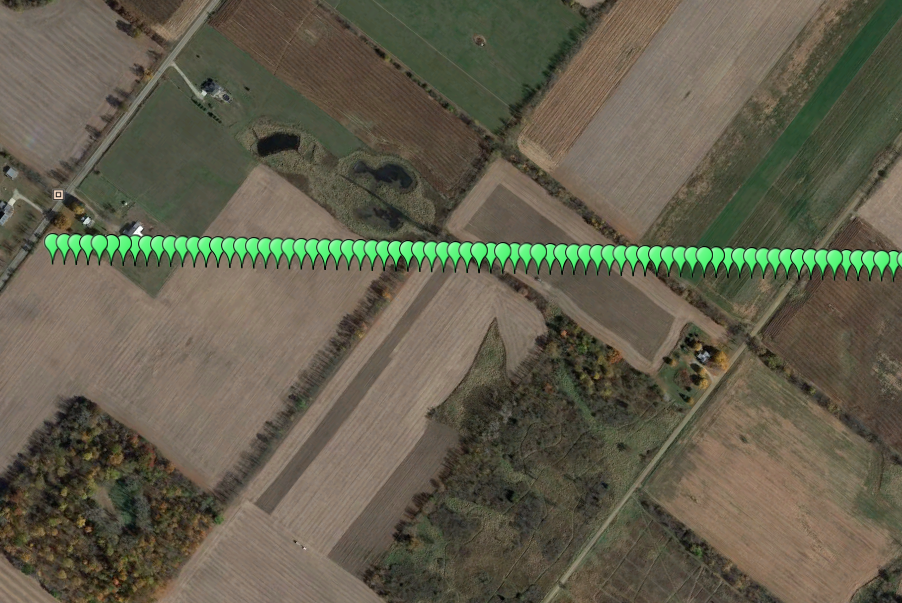
Polymath Science has created a simple software application to create Google Earth KMZ files from Excel files. The software will create point files, line files and area files. It also allows the user to select color, symbols, labels and opacity for the KMZ's.
This is a sample of a point file KMZ without labels turned.
This is a sample of a point file KMZ with a custom grid label showing the depth of the pipeline. This is comment that appears when the user clicks on the point in Google Earth.
This is a sample of an area KMZ file. The user can select the shape type and the distance from the center of shape.
This is a sample of a line KMZ file. This option will connect all GPS points together to create a line in the KMZ.